
Rides
Every ride is kept on the bike. Open one to see where you went and how it went.
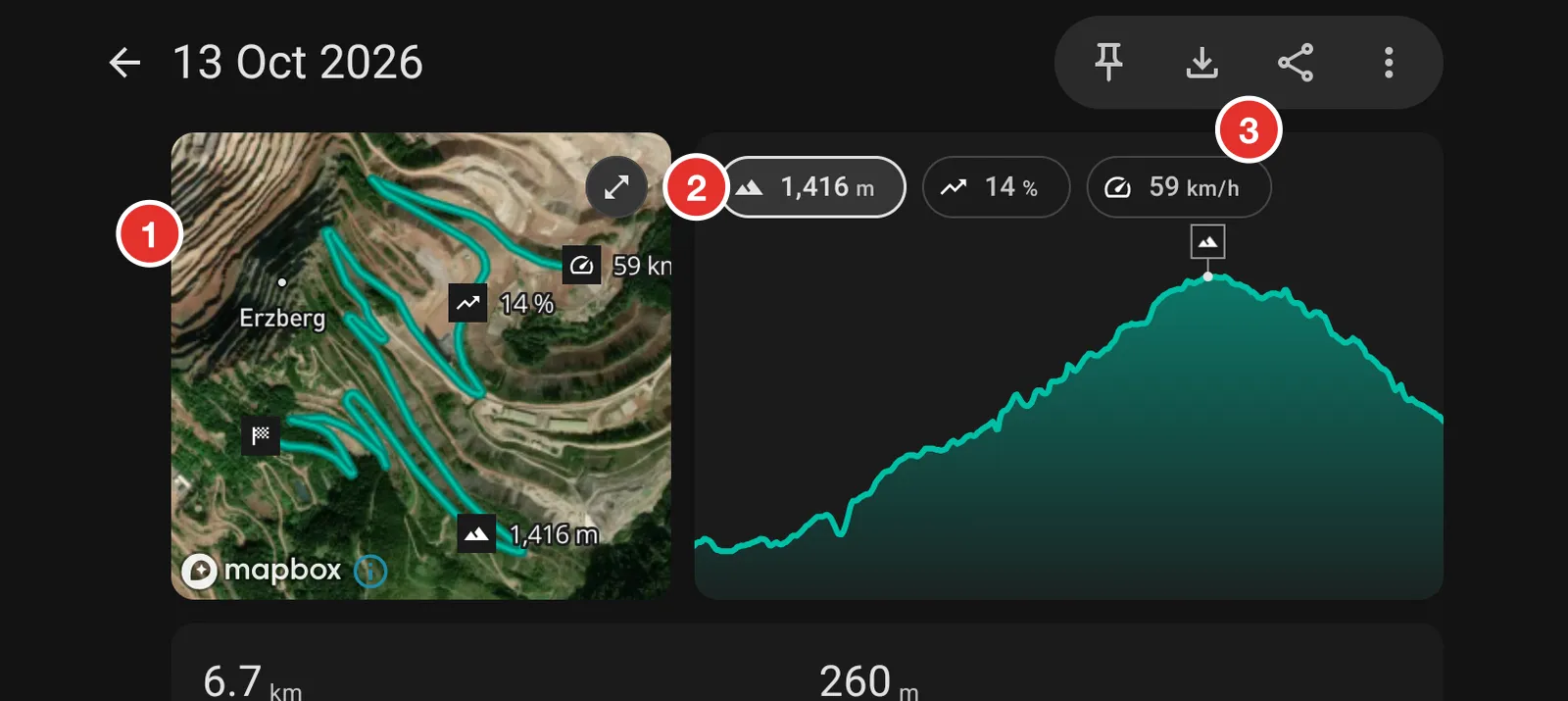
- The route on the map. Markers show the highest point, the steepest climb and the top speed.
- The chart. Tap elevation, gradient or speed to change it. Each one marks its own highlight on the map.
- Save the ride as a GPX file, or share it.
Head North records while the app is open. You do not start or stop anything. Each day you ride is one ride.
Open your rides
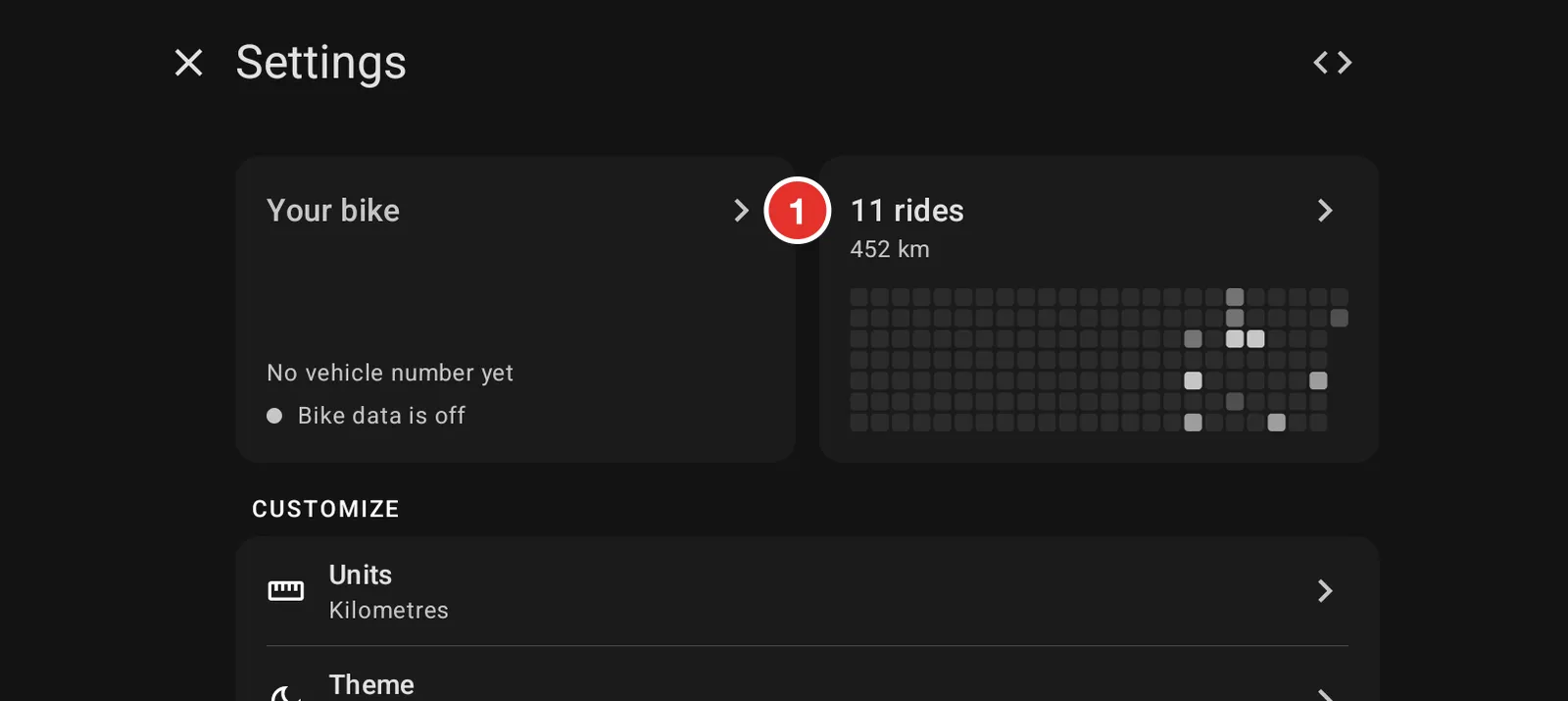
Open Settings. The Rides tile at the top shows how many rides you have and a square for each day you rode. Tap it.
Look back by year, month or day
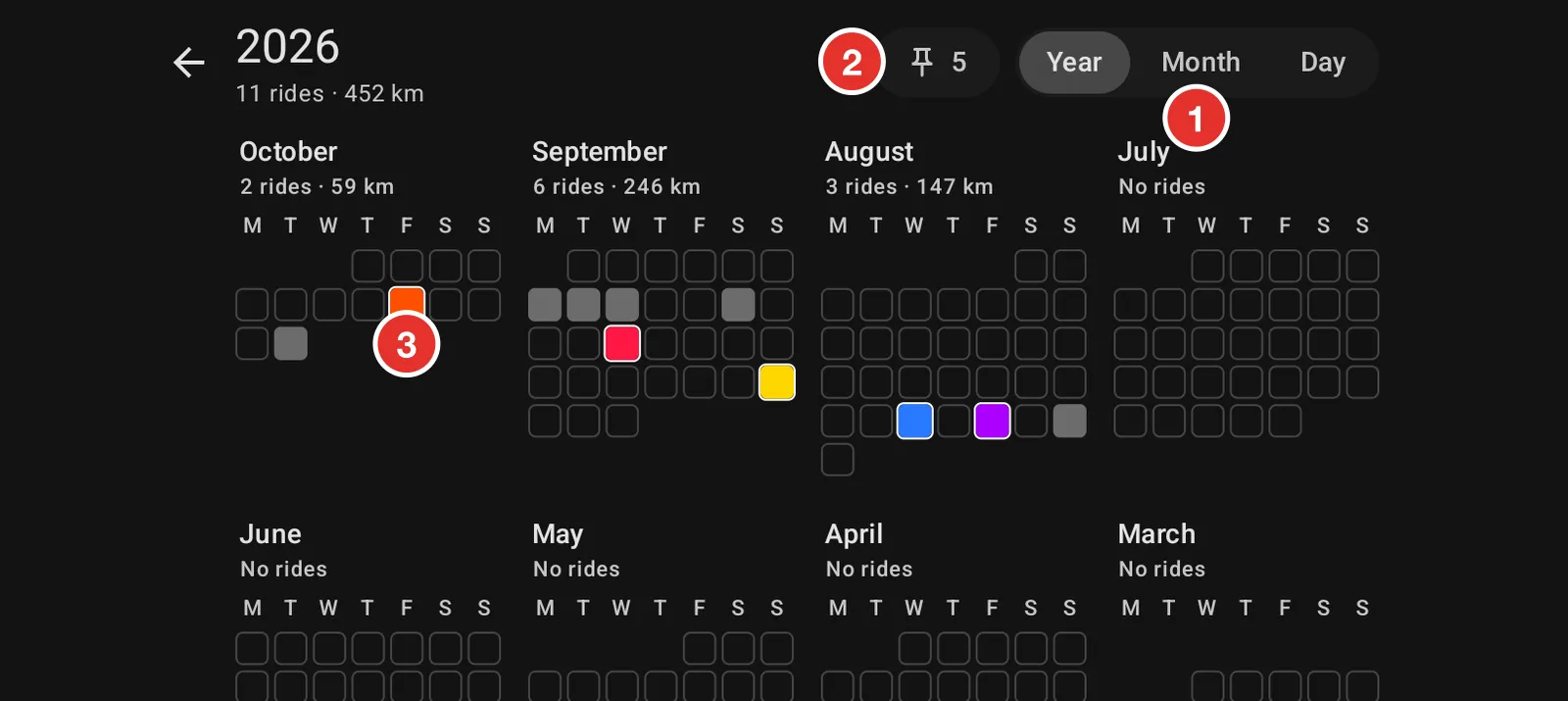
- Year, Month and Day change how much you see at once. The year shows every day you rode. The day shows one card per ride.
- The pin shows how many rides are on the map. Tap it to see only those.
- A coloured square is a ride on the map. It has the same colour there.
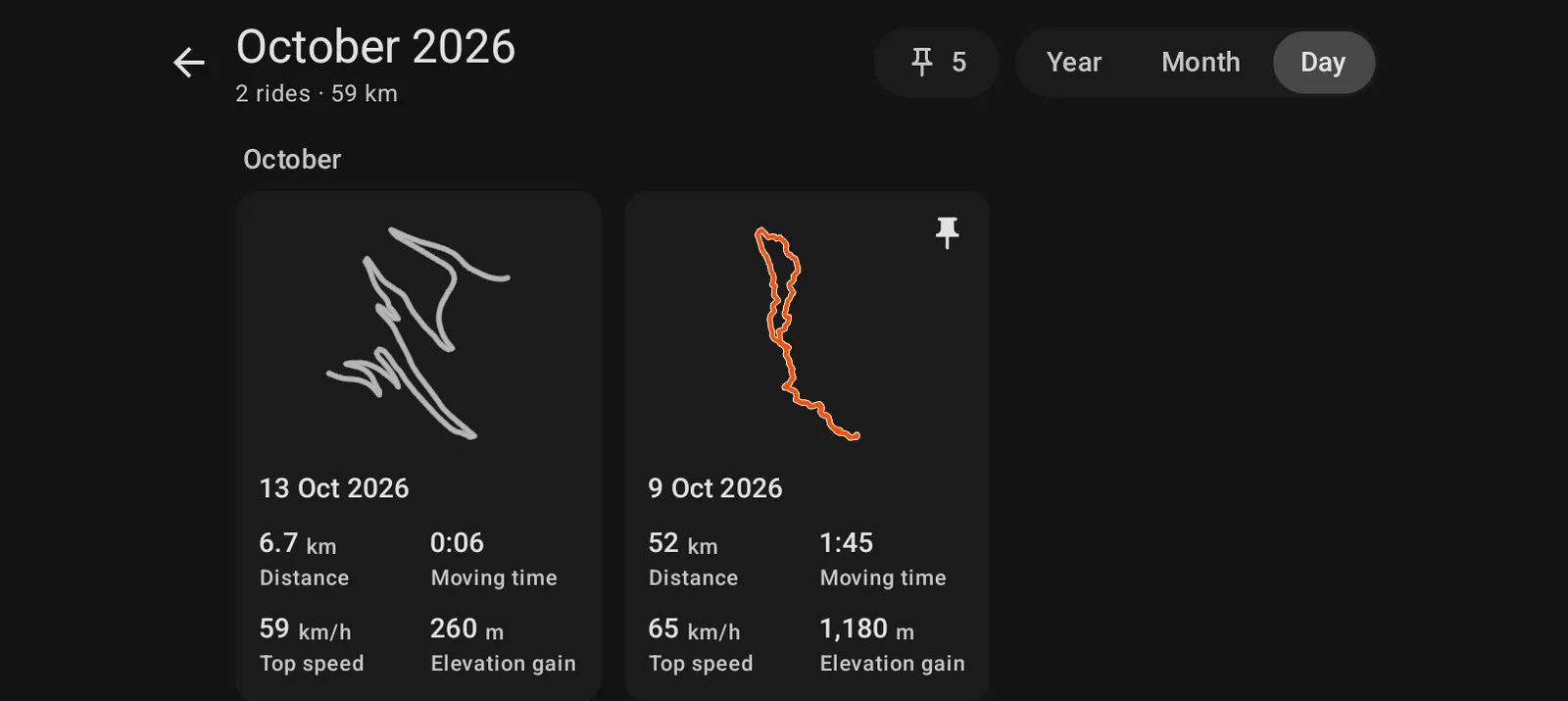
Each card shows the route shape, the distance, the moving time, the top speed and the climb. Tap a card to open the ride.
See the ride on a big map
Tap the arrows in the corner of the small map. The route fills the screen.
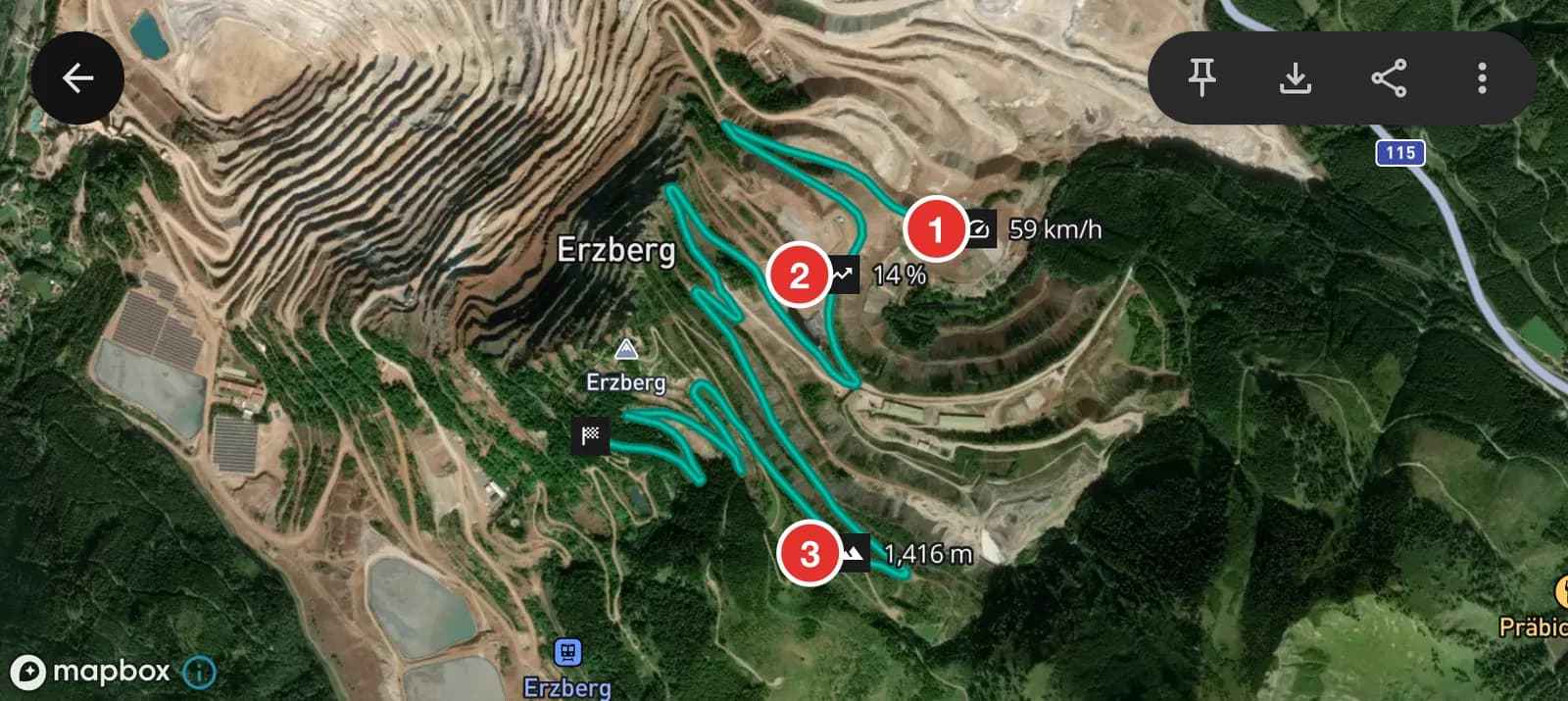
- Top speed.
- Steepest climb.
- Highest point.
Read the numbers
Scroll down under the map and the chart.
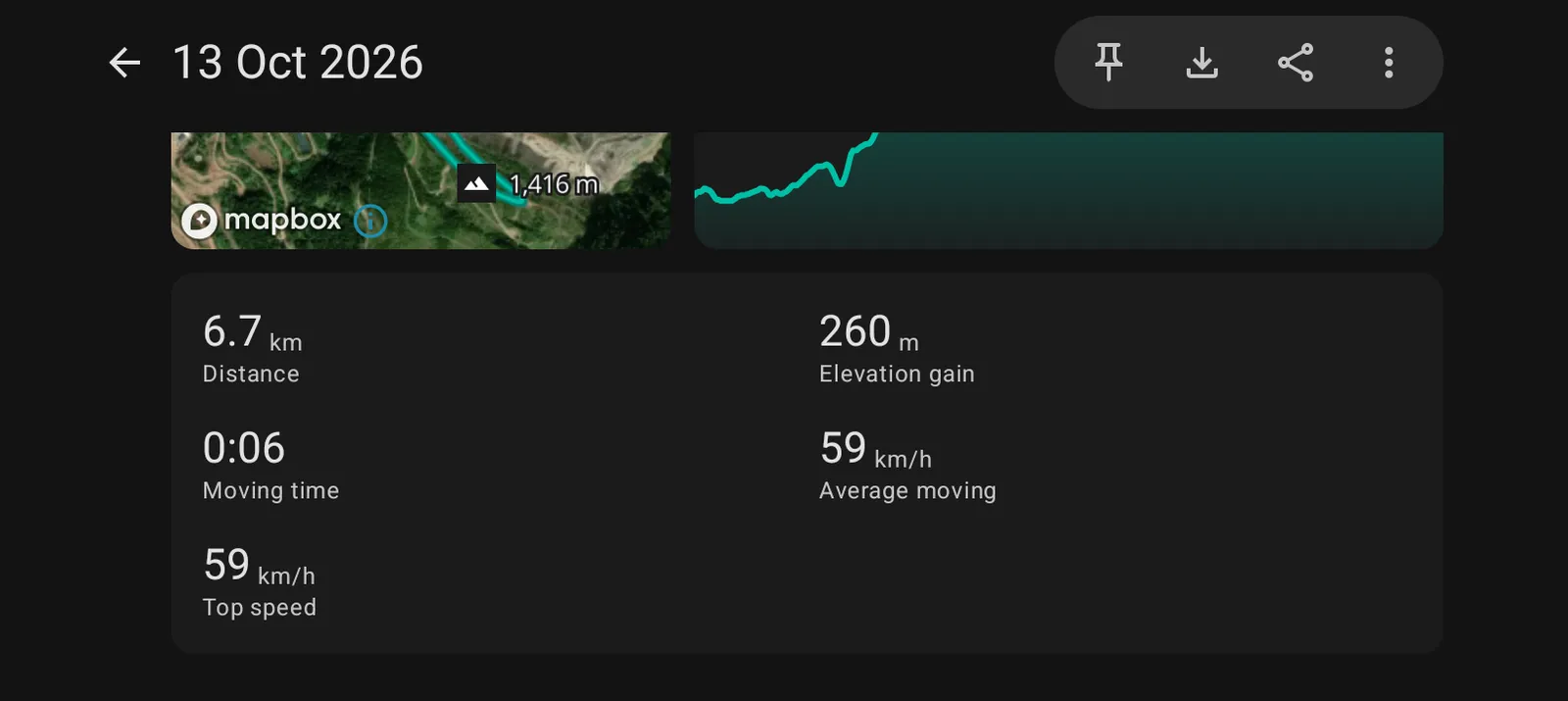
Distance, climb, moving time, average speed while moving, and top speed. The climb comes from the phone's GPS height, so treat it as a good estimate, not a survey.
Show a ride on the main map
Tap the pin at the top of a ride, or press and hold a ride on the Rides screen. The ride is drawn on the main map in its own colour, under the trail you are riding now. Use it to follow a line you rode before. Do the same again to take it off.
Save or share a ride
Open the ride. The two buttons at the top right save it as a GPX file on the phone, or send it to another app. Garmin, Gaia, onX Offroad and Wikiloc all open GPX files.
Where your rides are kept
On the phone, and nowhere else. They are not sent to a server and they are not in the phone's backup. If you change phones, save the rides you want to keep as GPX files first.
To remove a ride, open it, tap the three dots and choose Delete ride.