
Support
Updates
The bike screen normally updates apps on its own. To check right now, open Settings and tap Check for updates.
Read what changed
After an update installs, Head North shows what is new the first time you open it. You can read it again at any time from Settings, then What's new.
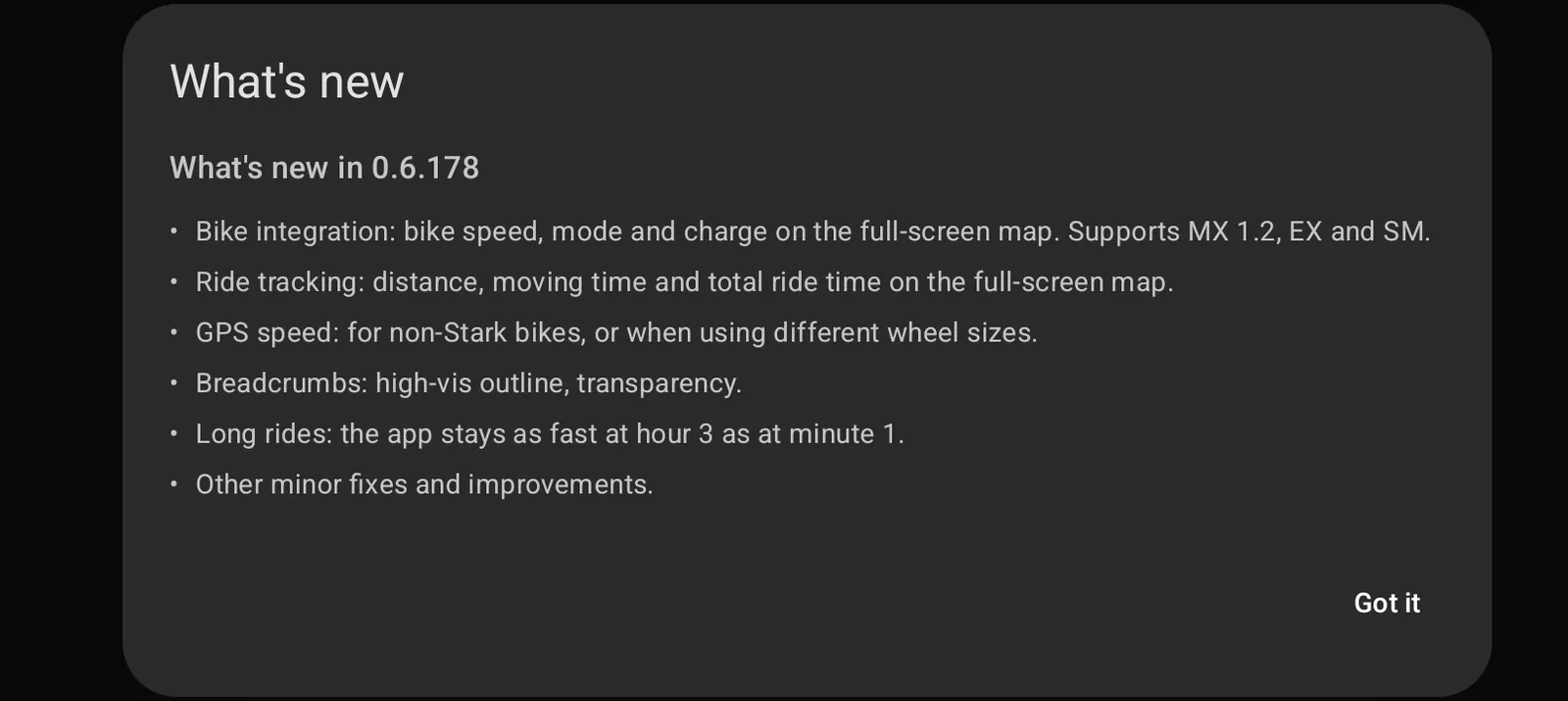
It only ever shows the version you are on. It is not a full history.