
Units and theme
Everything on this page and the ones after it lives in Settings, so start here if you have not opened it yet.
Open Settings
Tap the toolbar in the top right corner of the map to open it out, then tap the settings button.
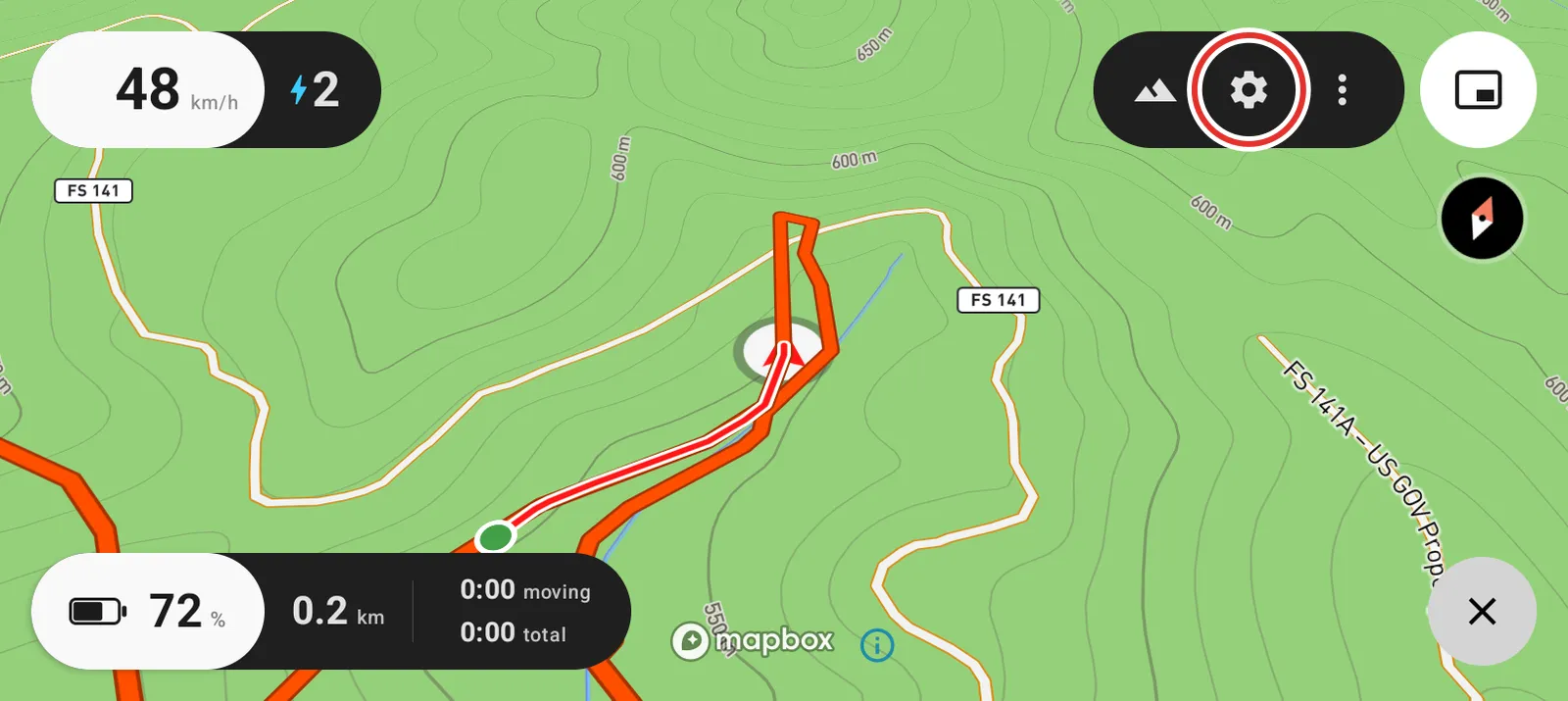
The toolbar folds itself away again after a few seconds, so open it and tap without pausing in between.
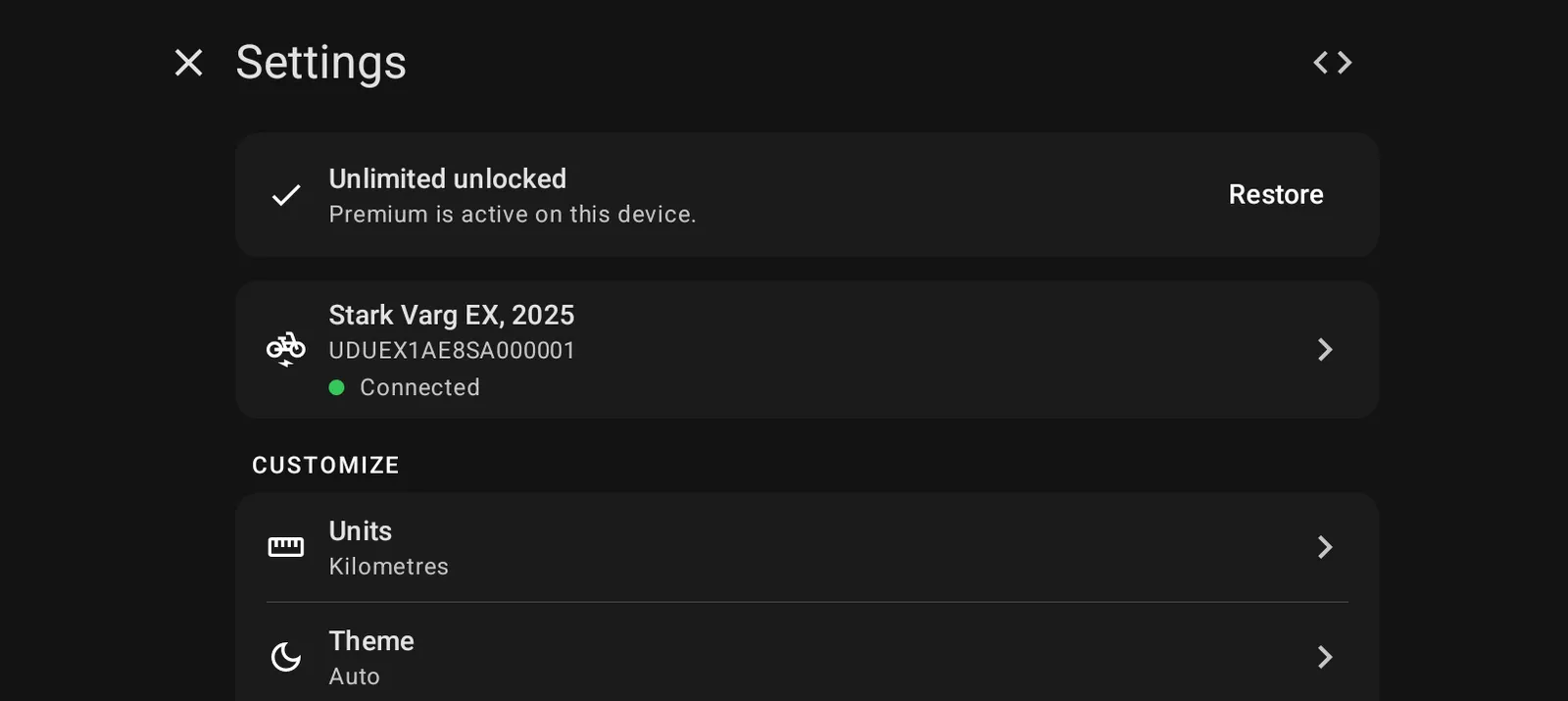
Settings is one scrolling list. Your bike has a card at the top, the map and the features are in the middle, and Advanced, updates and About are at the bottom.
Units
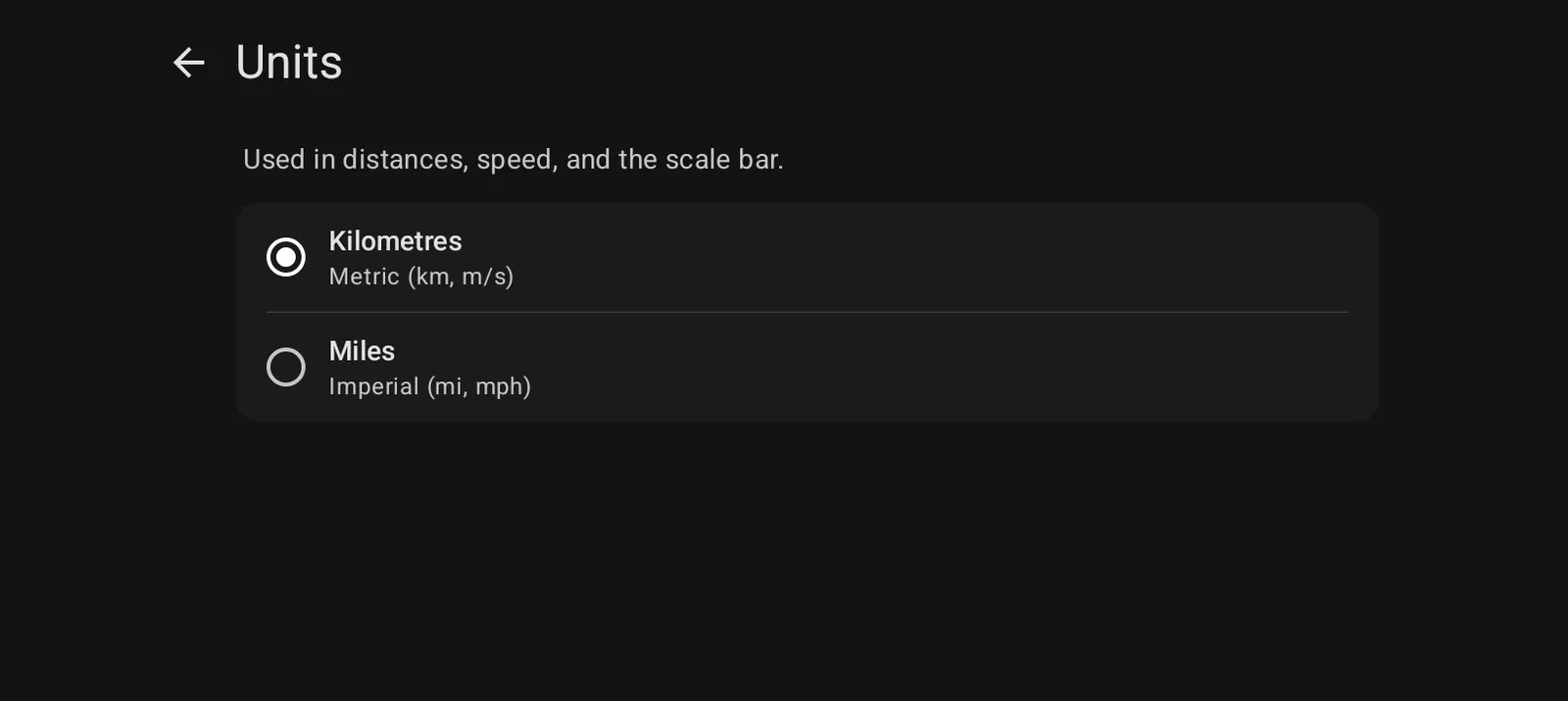
Units switches everything between kilometres and miles: distances, speed and the scale bar. It is one setting for the whole app.
Theme
Theme is light, dark, or matching whatever the bike screen is set to.
Dark reads better at dusk. Light reads better in direct sun. Matching the bike screen means it changes when the screen does, which is what most riders want.