
FeaturesAdvanced
Map behaviour
By default the map turns with you and tilts into a perspective view, so the trail ahead sits at the top of the screen. Some riders read a map better the other way.
Open Settings, then Advanced, then Map.
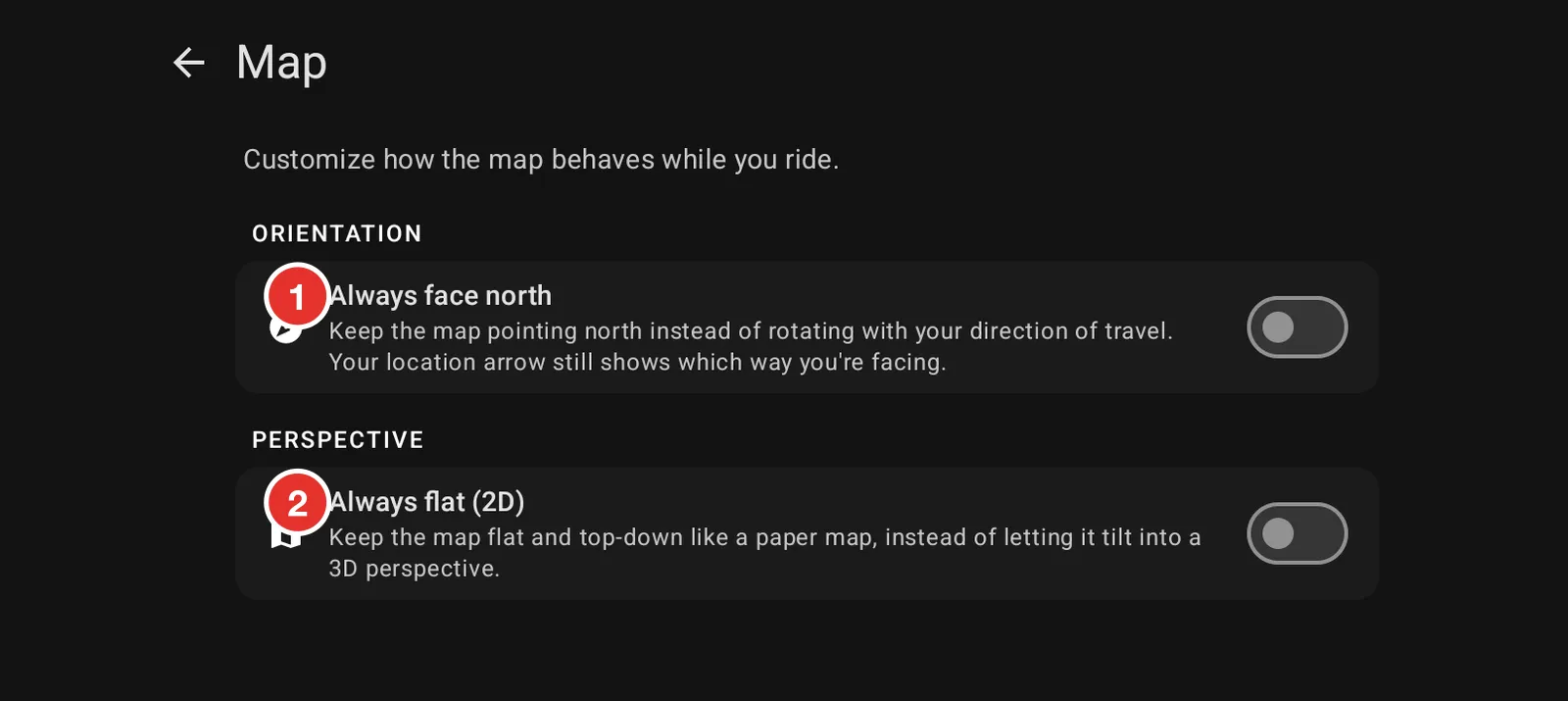
- Always face north keeps the map pointing north instead of turning with you. Your arrow still shows which way you are facing. Riders who read paper maps often prefer this.
- Always flat (2D) keeps the map top down instead of letting it tilt into a perspective view.