
FeaturesAdvanced
Display
Four settings that decide how the map reads while you are moving. The defaults suit most riders; these are for when they do not suit you.
Open Settings, then Advanced, then Display.
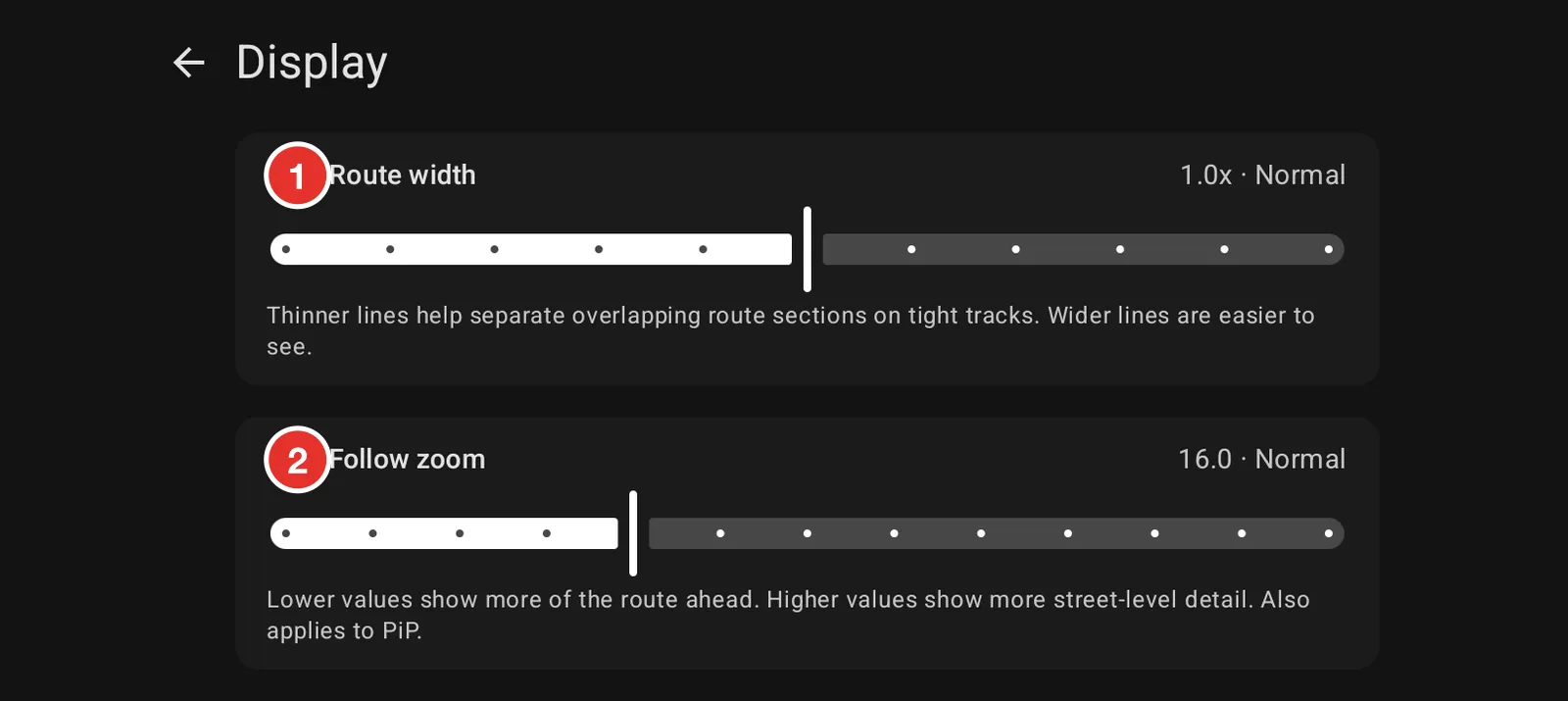
- Route width thickens or thins the route line. Thinner lines separate overlapping sections on a tight track. Thicker lines are easier to catch at speed.
- Follow zoom decides how close the map sits while it follows you. Lower shows more of the route ahead; higher shows more detail underfoot. It applies in Picture in Picture too.
Two more settings sit below them on the same screen:
- Map scale size sets the size of the scale text in the corner. Larger is easier to read in motion and in sunlight.
- Keep screen on stops the screen sleeping while you ride.