
Features
As the crow flies
Some of the time there is no route to follow. You know roughly where you want to end up, and you want to know which way that is and how far.
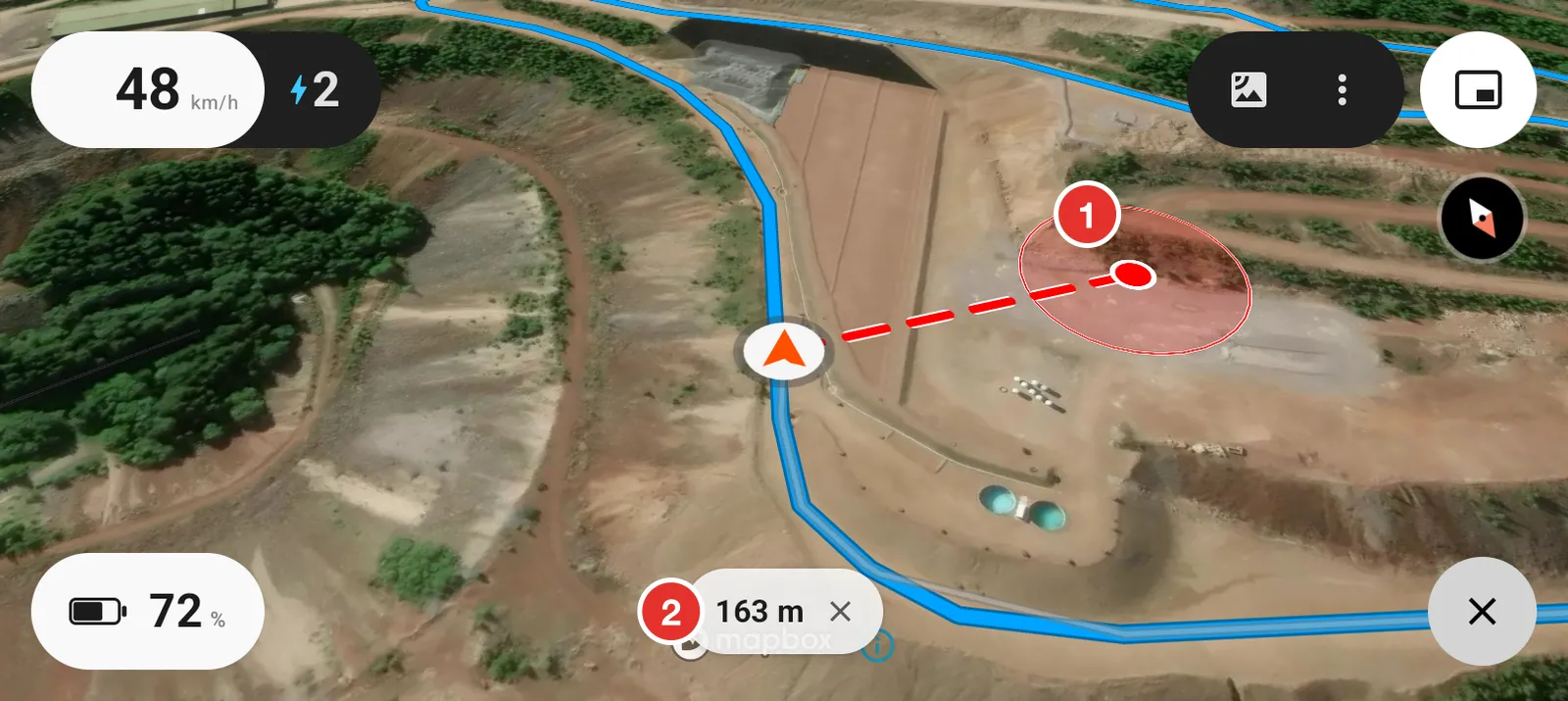
- Your point, with a circle around it. The circle is how close you have to get before it counts as arrived.
- The straight line distance. It updates as you ride. Tap the cross to clear the point.
This is a straight line, not a route. There may be a cliff in the way. It gives you the direction and the distance, and the ground is still your problem.
Drop a point
Hold your finger on the map where you want to go. The line and the distance appear at once.
Set the arrival circle
Open Settings, then As the crow flies.
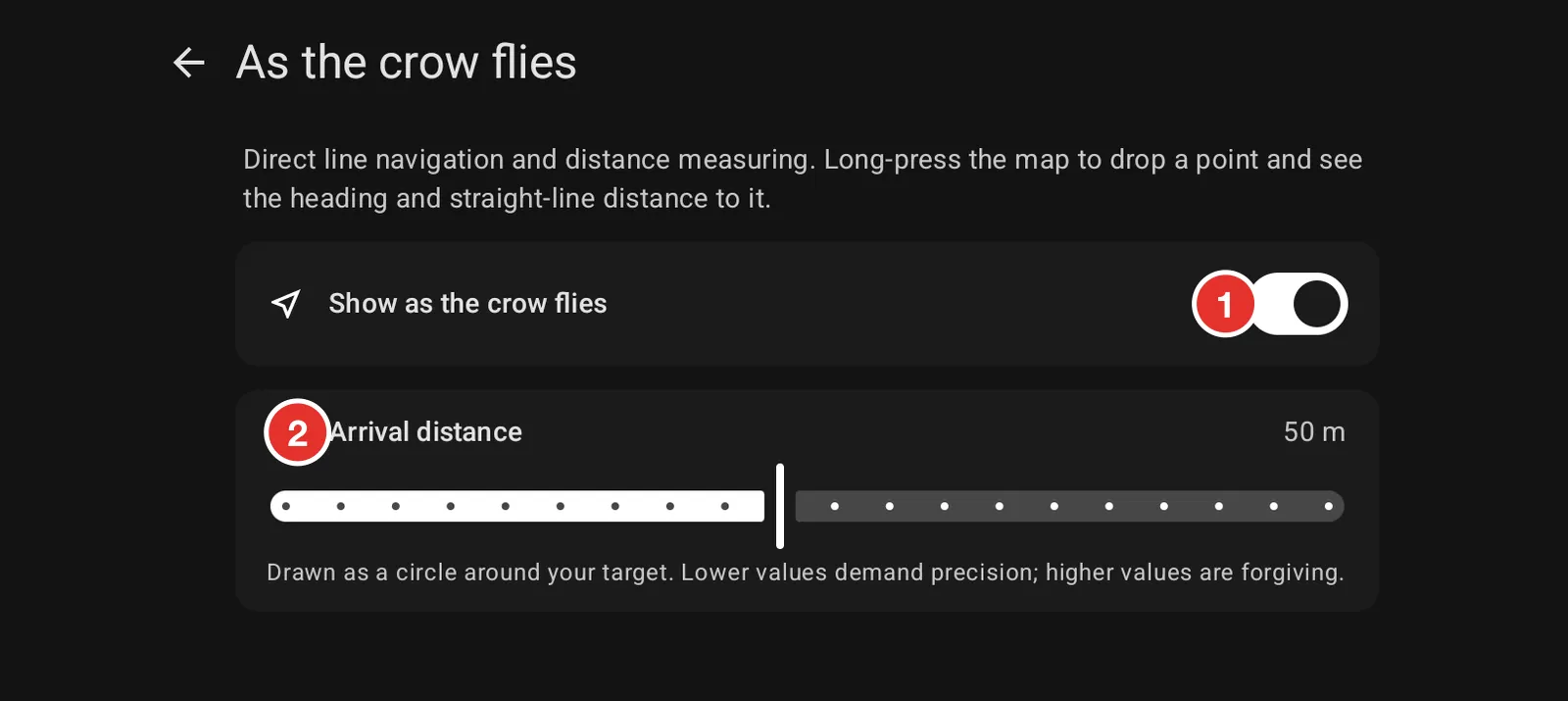
- Show as the crow flies turns the feature on and off.
- Arrival distance sets the size of the circle around your point. A small circle asks for precision. A larger one is more forgiving, which is usually what you want for a parking spot you cannot see from the trail.
Measure a distance
The same thing works standing still. Drop a point on a lake, a summit or the far side of a valley and read the distance. Clear it when you are done.